RKV844X

Matrix4X4withHDBT Extenders

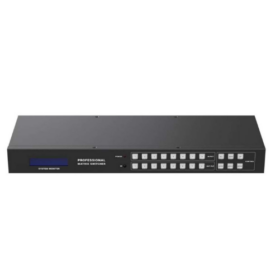
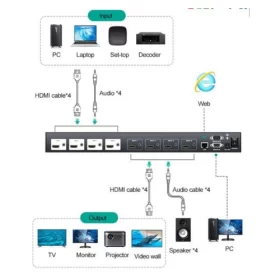
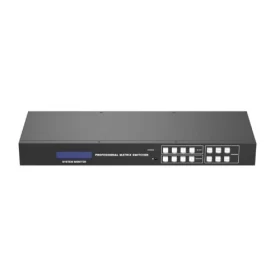
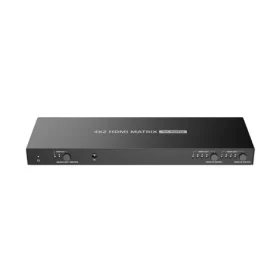
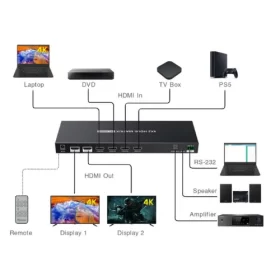
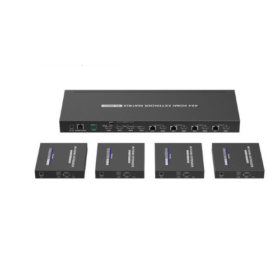
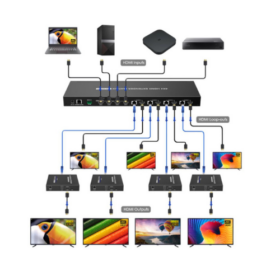
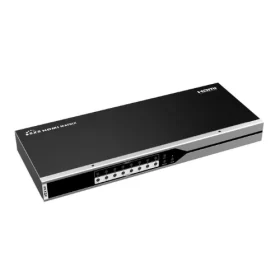
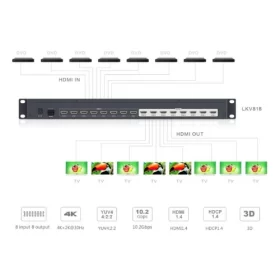
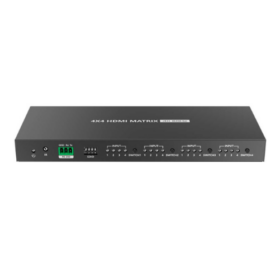
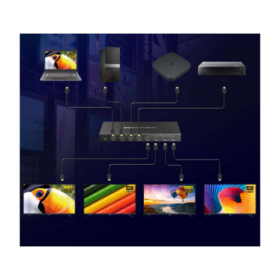
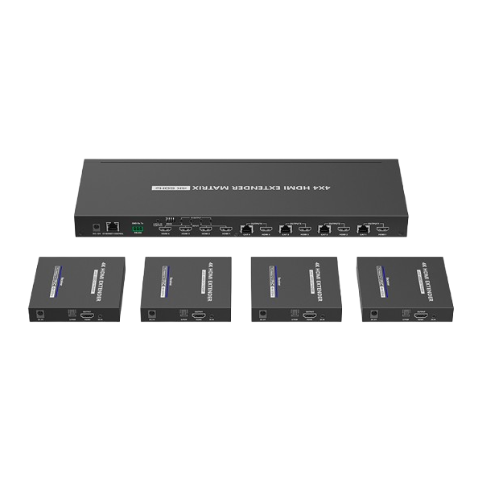
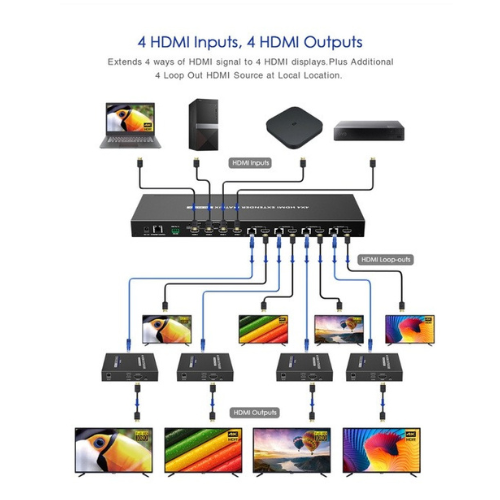
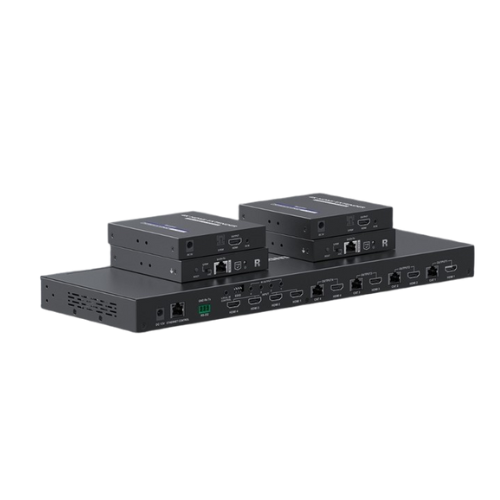
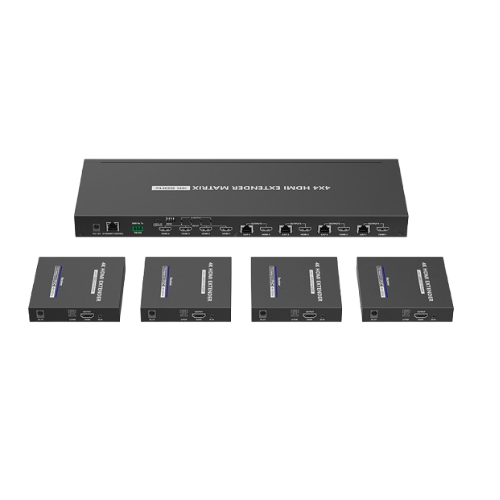
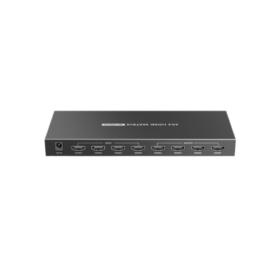
Thisproductis a 4×4HDMI™ matrix extender overnetwork cable, with 4 HDMI™ inputs, 4 RJ45 outputs and 4 HDMI™ loop-out. 4 HDMI™ outputs send the high-definition audio/video signals to 4 UHD displays at the local site. At the same time, 4 RJ45 outputs transmit and extend the audio/video signals to 4 UHD displays 70 meters away via 4 receivers. 

Overview

This deviceis a 4×4 HDMImatrix extender that distributes up to four 4K 60 Hz HDMI sources to four remote displays over network cable at distances up to 70 meters, while also providing four local HDMI loop outputs for monitoring. It is designed for professional AV installations such as sports bars, control rooms, classrooms, and home cinemas, combining matrix switching, long‑distance extension, audio management, and flexible control in a single unit.

Video and audio performance

The matrixsupportsHDMI 2.0 signals uptoaresolution of 3840×2160 at60Hz with 4:4:4chroma sampling and a maximum bandwidth of 18 Gbps, ensuring sharp 4K images with accurate color reproduction over the entire extension distance.It typically supports HDCP 2.2/1.4 content protection and can downscale 4K signals to 1080p on individual outputs for compatibility with older displays while maintaining optimal quality on newer screens. Audio formats such as LPCM, Dolby TrueHD, DTS‑HD and other multi‑channel digital standards are passed through, and some models include analog and SPDIF audio extraction for connection to external amplifiers or sound systems.
Download Brochure

Category:

Product Description

Inputs, outputs and extension

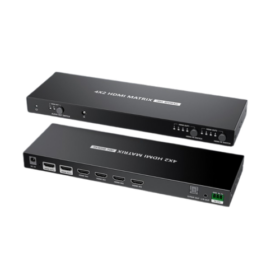
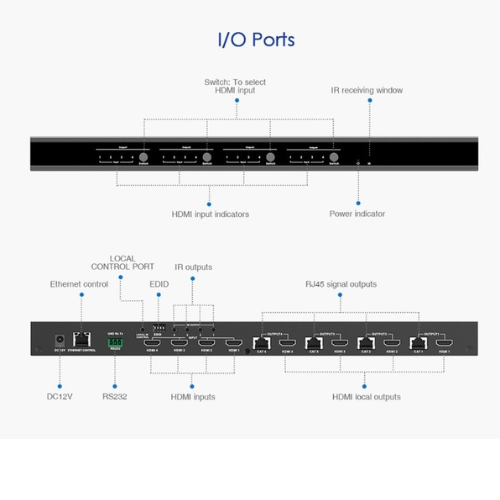
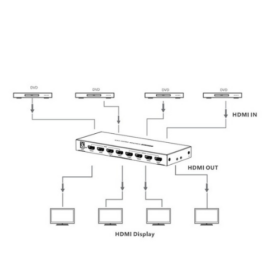
Onthe transmitter chassis,therearefourHDMIinputportsfor source devices like Bluray players, set‑top boxes, or media players, along with four RJ45 HDBaseT or Cat‑cable outputs that send video, audio, IR and control data to the included receivers over a single Cat6/6a/7 cable up to 70 m at 4K and up to 90 m at 1080p, depending on the model and cable quality. Each RJ45 output is mirrored by a local HDMI loop‑out, allowing a display or AVR to be connected near the matrix for local viewing in each zone without additional splitters.The receivers provide an HDMI output to the remote display and may also offer SPDIF or analog audio outputs plus IR ports for return control from the viewing location.

Specif ication

Model name: RKV844X. HDMI version: HDMI 2.0. HDCP version: HDCP 2.2 and 1.4 compliant. Transmission standard: HDBaseT technology over network cable. Video standard: Compliant with HDMI 2.0b specification. Max video resolution: Up to 4K at 60 Hz with 4:4:4 chroma sampling. Max bandwidth: 18 Gbps total data rate. Supported resolutions: 4K at 60/30 Hz, 1080p, 1080i, 720p, 576p, 576i, 480p, 480i. Input video signal: TMDS digital signal, 0.3–1.5 V peak to peak. Input DDC signal: 5 V peak to peak, TTL level. HDMI inputs: 4 HDMI female ports. HDMI loop outputs: 4 HDMI female ports for local display. RJ45 outputs: 4 HDBaseT/Cat6-7 network outputs. Transmission distance: Up to 70 m at 4K 60 Hz over Cat6/6a/7 cable. Audio formats supported: LPCM, Dolby Digital, DTS and other standard HDMI audio formats (pass‐through). IR control: Supports IR pass‐back with 20–60 kHz carrier frequency range.

Specifications

HDMI input signal: HDMI 1.3, fully compatible with HDCP 1.2. HDMI DDC signal level: 5 Vp‐p (TTL). HDMI TMDS signal level: 0.5–1.5 Vp‐p (TMDS). Supported HDMI resolutions: 480i@60 Hz, 480p@60 Hz, 576i@50 Hz, 576p@50 Hz, 720p@50/60 Hz, 1080i@50/60 Hz, 1080p@24/25/30/50/60 Hz. Video encoding format: H.264. Audio encoding format: MPEG‐2. Output standard over coaxial: DVB‐T. Recommended coaxial cable types: RG6, RG7, RG11. RF frequency range: 177.5 MHz to 866 MHz. Maximum effective bitrate: 24 Mbit/s. Insertion loss: 0 dBm. RF output power (TX): −40 dBm to −13 dBm. RF interface: British system 75 Ω F‐type connector. Typical delay time: 200–300 ms (depends on decoder in receiver). Audio output format: Stereo PCM (44.1 kbps, 48 kbps). Power supply requirement: DC 12 V / 1 A. Power consumption: less than 7 W.

Effortless Installation and Use

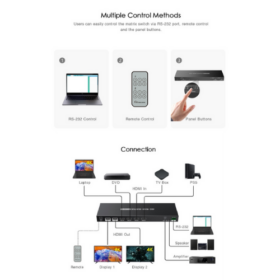
The splitteris designedfor easyinstallationand operation, with a simpleplug-and-play setup that requires no software or drivers . The user manual provides clear connectiondiagrams and instructions to guide you through the process . To get started, you simply connect your HDMI source to the input port and your displays to the output ports .